
PC Requirements for Paisa X Go
| Requirement | Recommended |
|---|---|
| Operating system | Windows 10 or 11 (64-bit) |
| RAM | 4 GB minimum, 8 GB better |
| Free disk space | 5 GB for the emulator |
| Processor | Intel or AMD with virtualization (VT) turned on |
| Emulator | BlueStacks, LDPlayer or NoxPlayer |
How to Install Paisa X Go on PC
- Download an Android emulator from its official website only (for example BlueStacks or LDPlayer).
- Install the emulator and open it. Finish the first-time setup.
- On the PC, download the Paisa X Go APK from our Paisa X Go download page.
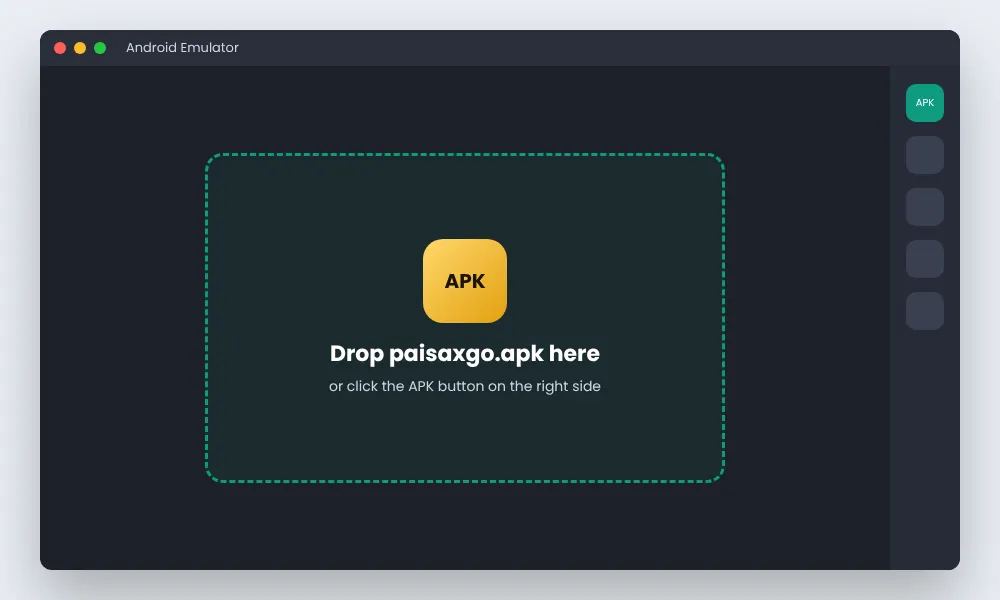
- Drag the APK file into the emulator window, or click the emulator’s Install APK button and select the file.
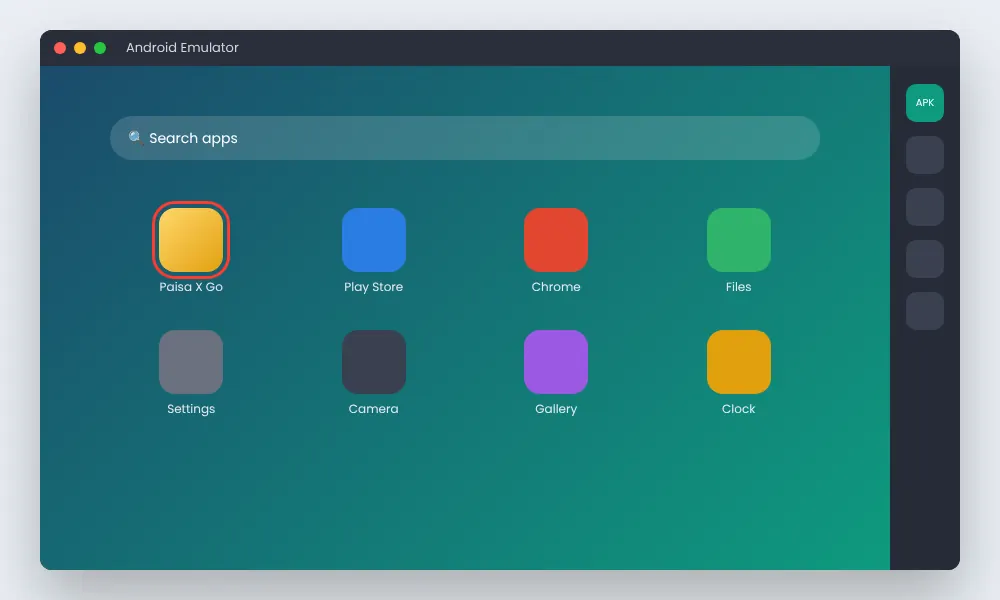
- Wait for the install to finish — a Paisa X Go icon appears on the emulator home screen.
- Open it and log in with your +92 number and password.
After Installing on PC
Your PC account is the same as on your phone. Use the login guide if you have trouble signing in.
Download the latest APK and create your account in a few minutes. 18+ only.
Tips for Smooth Play on PC
Turn on virtualization
Enable VT-x / AMD-V in BIOS. It makes most emulators several times faster.
Give it enough RAM
In emulator settings, set 2–4 GB RAM and 2 CPU cores.
Use official emulator sites
Fake emulator downloads often bundle adware. Avoid “cracked” versions.
Keep Windows updated
Use Windows Defender and keep your PC and emulator up to date.
Phone or PC: Which Is Better?
The phone app is lighter and gets updates first. A PC gives a bigger screen for slots and fishing games, and an easier keyboard for typing amounts. Both use the same account, so you can switch any time.
A bigger screen does not change the odds. Set a budget before you start a session.

Frequently Asked Questions
Is there an official Paisa X Go PC version?
No. Paisa X Go is an Android app. On PC it runs inside an Android emulator.
Which emulator is best for Paisa X Go?
BlueStacks and LDPlayer both work well. Download them only from their official websites.
Can I use the same account on PC and phone?
Yes. Log in with the same +92 number and password.
Paisa X Go is slow on my PC. What can I do?
Turn on virtualization in BIOS, give the emulator more RAM and close other heavy programs.
Conclusion
Paisa X Go for PC works through an Android emulator: install the emulator, add the APK and log in. Use official downloads only. On iPhone, see Paisa X Go for iOS instead.
18+ only · Play responsibly